
Donations & tax receipts
Take donations at checkout and give donors the tax receipt or Gift Aid their country allows. Moostoo numbers and emails the receipts, updates them after a refund and builds the file you send to the tax office. It does not give tax advice or file claims for you.
How it works
A donation is an add-on
A donation is an add-on with This is a donation switched on. On its own it is a simple gift. Linked to a donation profile, donors can also ask for a receipt.
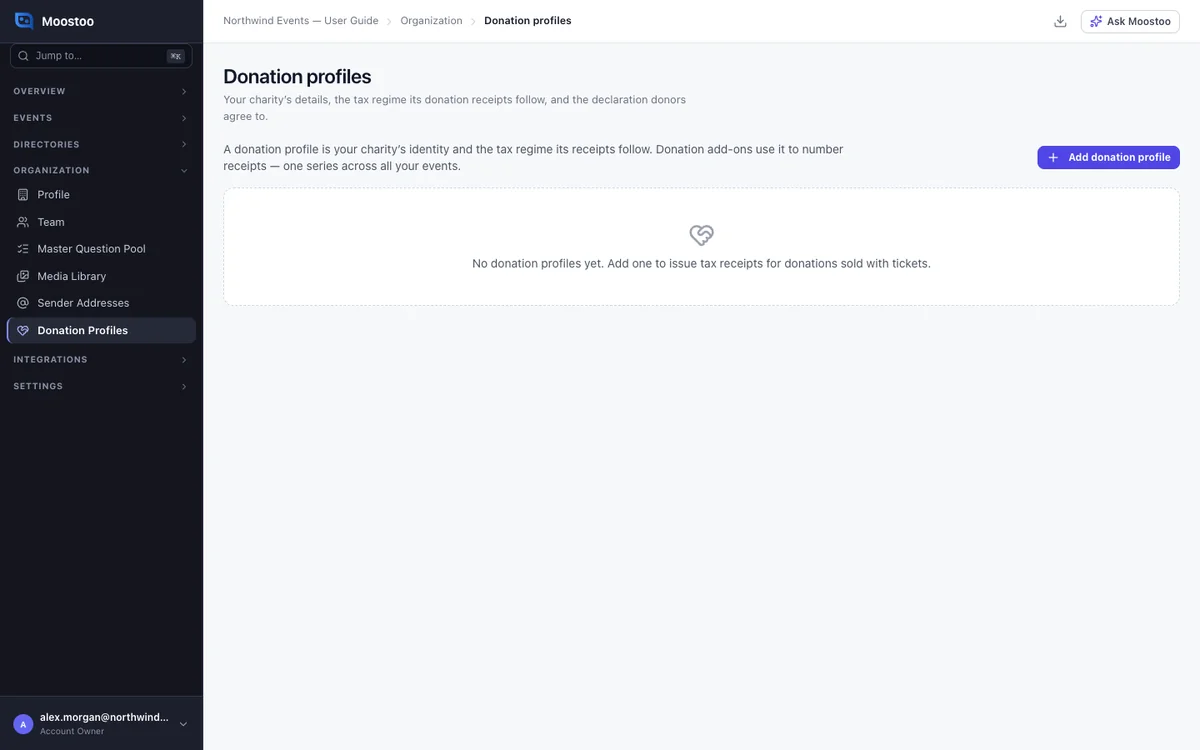
Donation profiles
A donation profile describes your charity and the tax rules its receipts follow. Profiles live in Organization → Donation Profiles, so one profile serves all your events.
Each profile has one series of receipt numbers, with a prefix such as GA-. The tax rules decide which registration numbers, donor details and wording are needed. Supported rules:
- UK Gift Aid
- US 501(c)(3)
- Canada
- France
- Germany
- The Netherlands
- Ireland
- Acknowledgment only
The declaration
The declaration is the text a donor agrees to. Start from the template, check it with your advisor, then publish it.
Each publish is a new version. Every donor's consent records which version they accepted.
Receipts
A receipt is issued once a donation is paid, one per order and profile. The Donation Receipt automated email sends the donor a link to their order page, where they download it.
Refunding the donation voids its receipt. A partial refund replaces it with a new number. Numbers are never reused.
When the donor gets something back
If a donation also gives something, such as a dinner seat, enter its value. The receipt then covers the gift minus that value.
In the UK, Canada and France there are limits on that value. When it is too high, no receipt is issued, and the order line says why.
The Donations screen
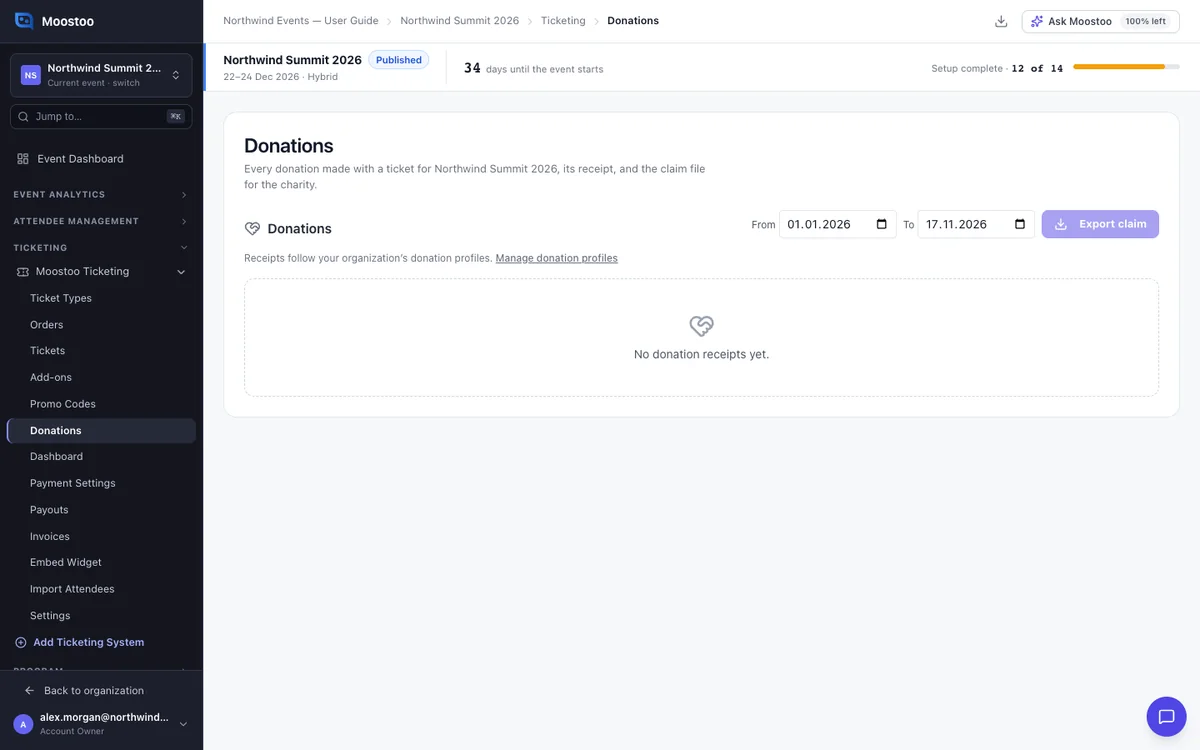
Each event's Ticketing → Donations screen lists every donation and its receipt. You export claim files from here.
Step by step
Set up a donation profile
Open Organization → Donation Profiles and click Add donation profile.
Choose the tax rules and fill in your charity's legal name, registration numbers, address and receipt prefix.
Click Create.
Review the declaration and click Publish declaration.
A donation under this profile cannot go on sale until its declaration is published.
Take donations at an event
In the event, create an add-on and switch on This is a donation.
Choose Buyer chooses the amount, or a fixed amount.
Select the donation profile.
Export a claim
Open Ticketing → Donations.
Choose the dates and click Export claim.
Choose the profile and the format.
The file arrives in Downloads.
UK The HMRC Gift Aid schedule, at most 1,000 rows per file.
Ireland Donors who gave €250 or more in the tax year.
Other countries The receipt register.
What attendees see
In the attendee app
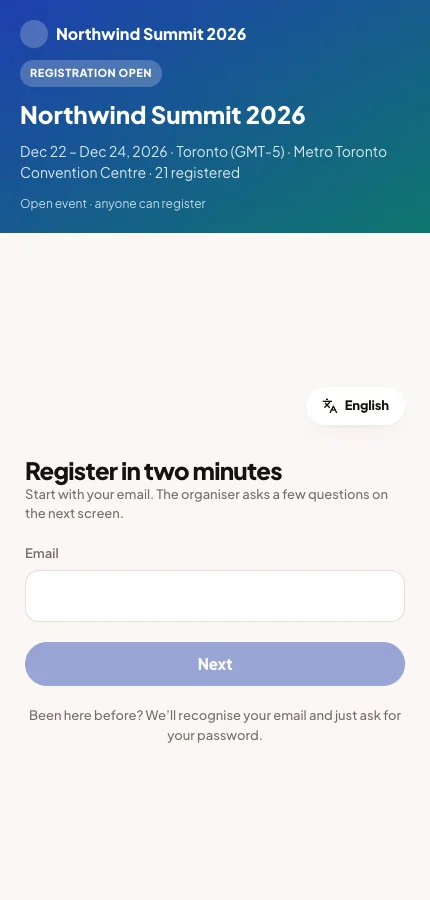
At checkout a donation shows amount buttons and Other amount. Under a profile, the donor can tick Gift Aid or a tax receipt. Ticking it shows your declaration and asks for the details needed. Without it, no receipt is issued.
Tips
- Under UK Gift Aid, people must be able to attend without donating. A required donation is refused.
- After a profile has issued receipts, its tax rules and prefix cannot change. Create a new profile instead.
- Donor details appear only on the Donations screen and in the claim file. They are kept for the required period, even if the donor deletes their account.