
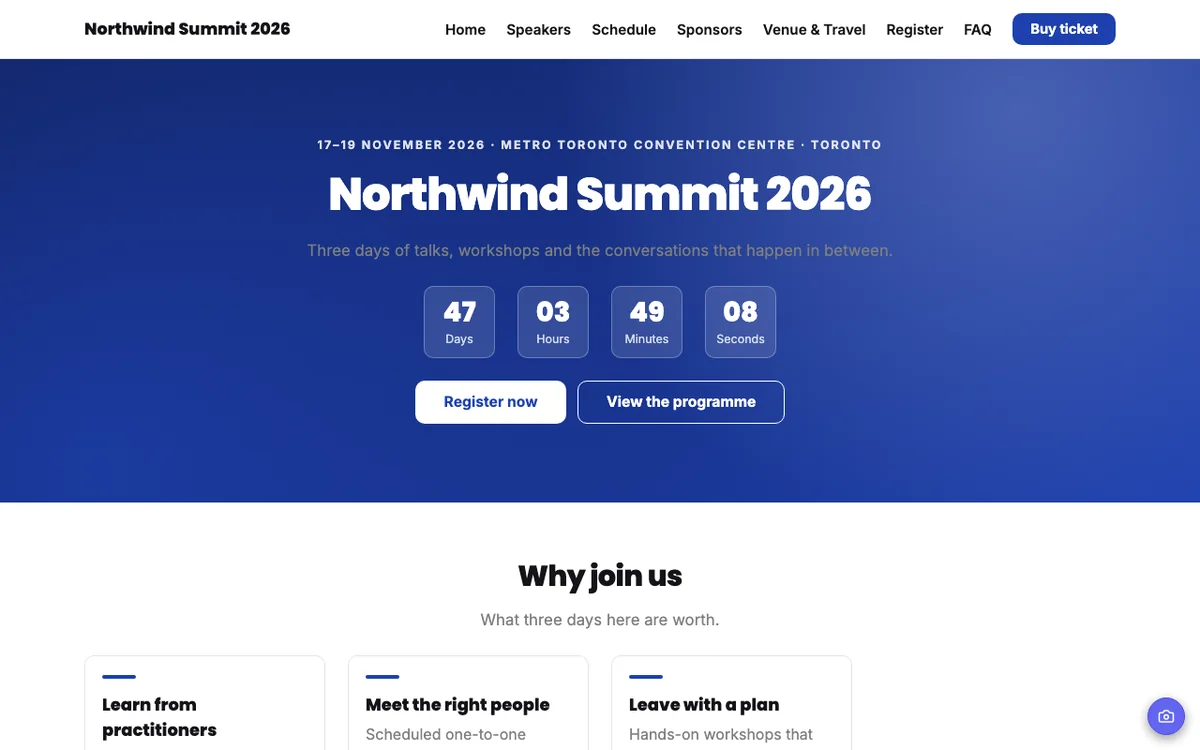
From full conference sites to a one-page launch.
Hero, speakers, schedule, sponsors, tickets and more.
Ticket prices come straight from your ticketing.
Your website and attendee app share one link.
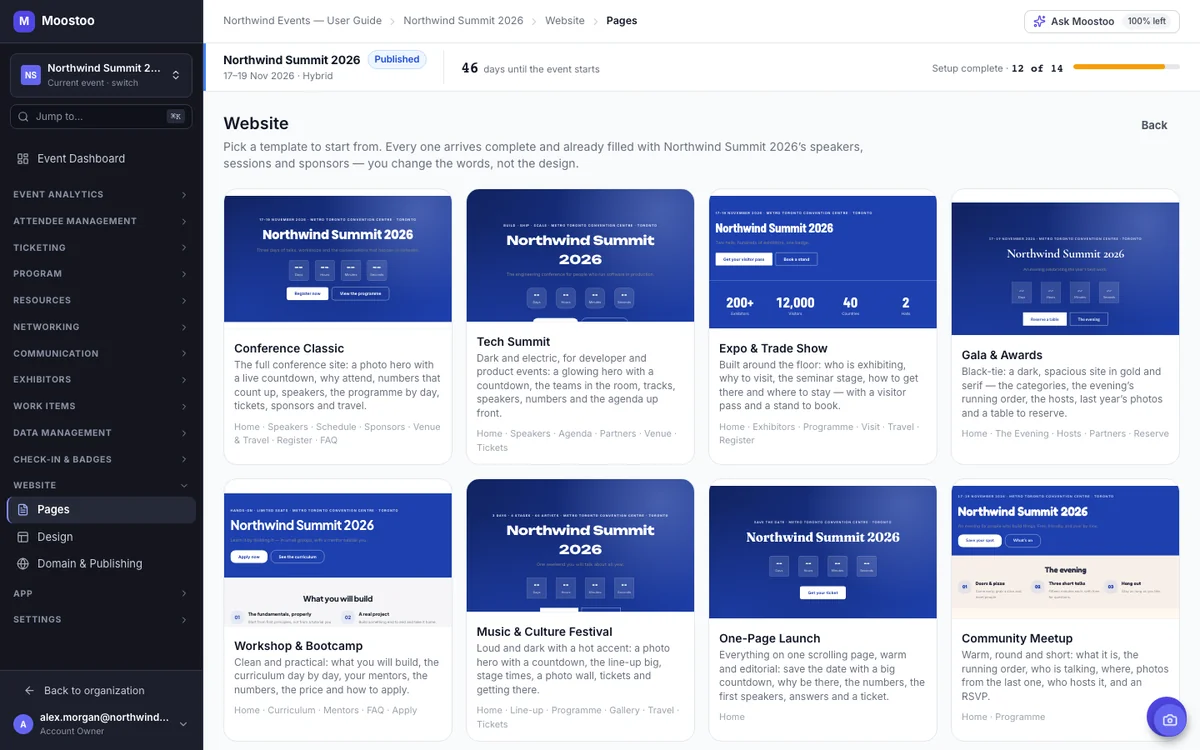
Choosing a template usually means imagining your content in someone else's demo. Here, every template in the gallery previews with your own event: your name, your dates, your speakers, your sponsor logos. Click through a full working preview, pick the one whose structure fits, and Moostoo creates every page as a draft with the theme, header and footer already in place.
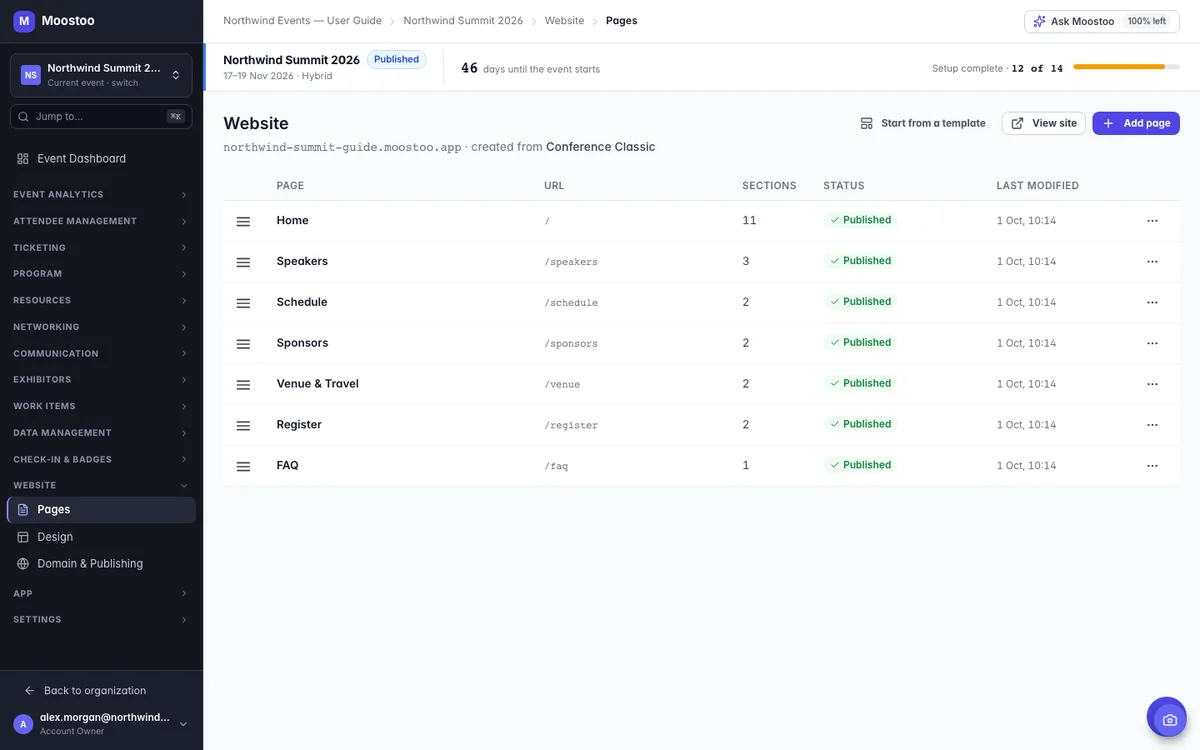
Every page is built from sections: a hero banner, a block of text, a speakers grid, the schedule, a registration box. Drag one in, pick a layout (speakers as a grid, a list or a carousel, for example) and fill in the words. List sections pull your real records, either by filter, like all speakers on one track, or picked and ordered by hand for a keynote line-up.
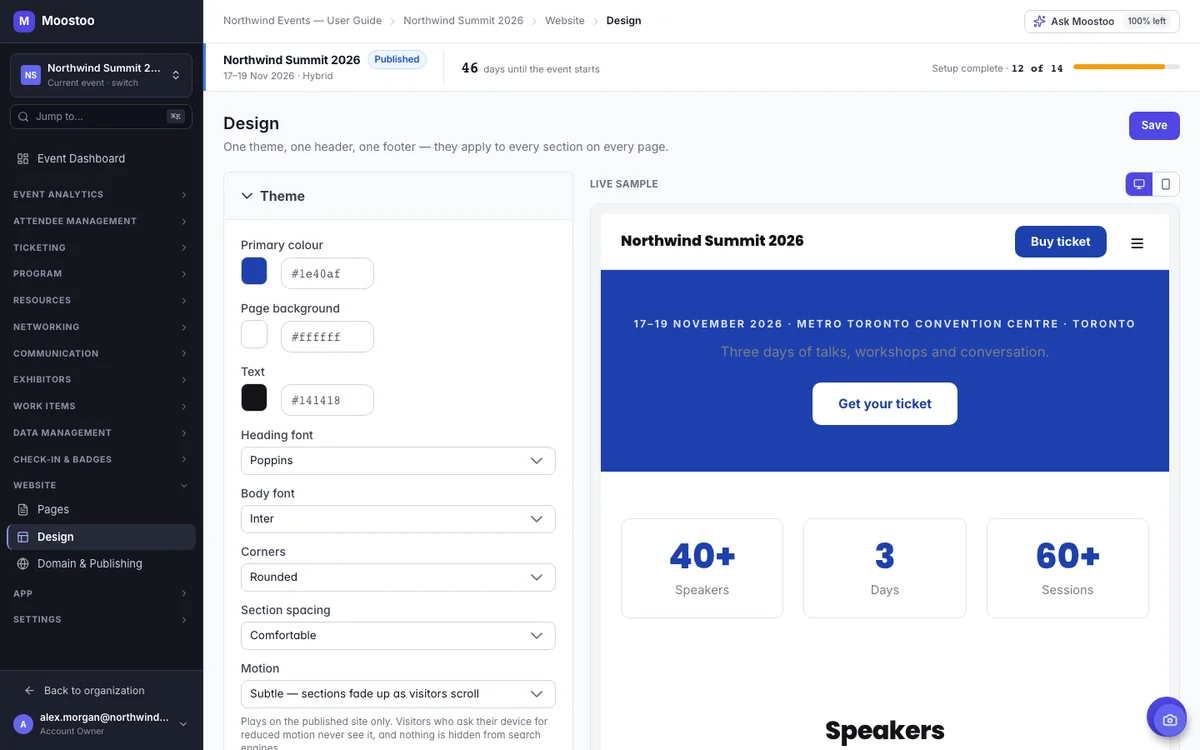
Your event website design lives in one place, so you can't end up with three shades of your brand color across the site. Set your primary color, background, heading and body fonts, corner style, spacing and motion, and watch the live sample redraw at desktop and phone width. Save it, and every page of the published site updates straight away.
Every page keeps two versions: the draft you're working on and the one visitors see. Saving only touches the draft, and the builder saves it for you 30 seconds after your last change. When it looks right, preview the whole site with working links, click Publish and the page is live within about a minute.
Each page has its own SEO settings: meta title, meta description, social share image, canonical address and whether search engines may index it. A live preview shows the search result and the social card as you type, so you know what people will see before you share the link. SEO changes apply to a published page right away, without publishing again.
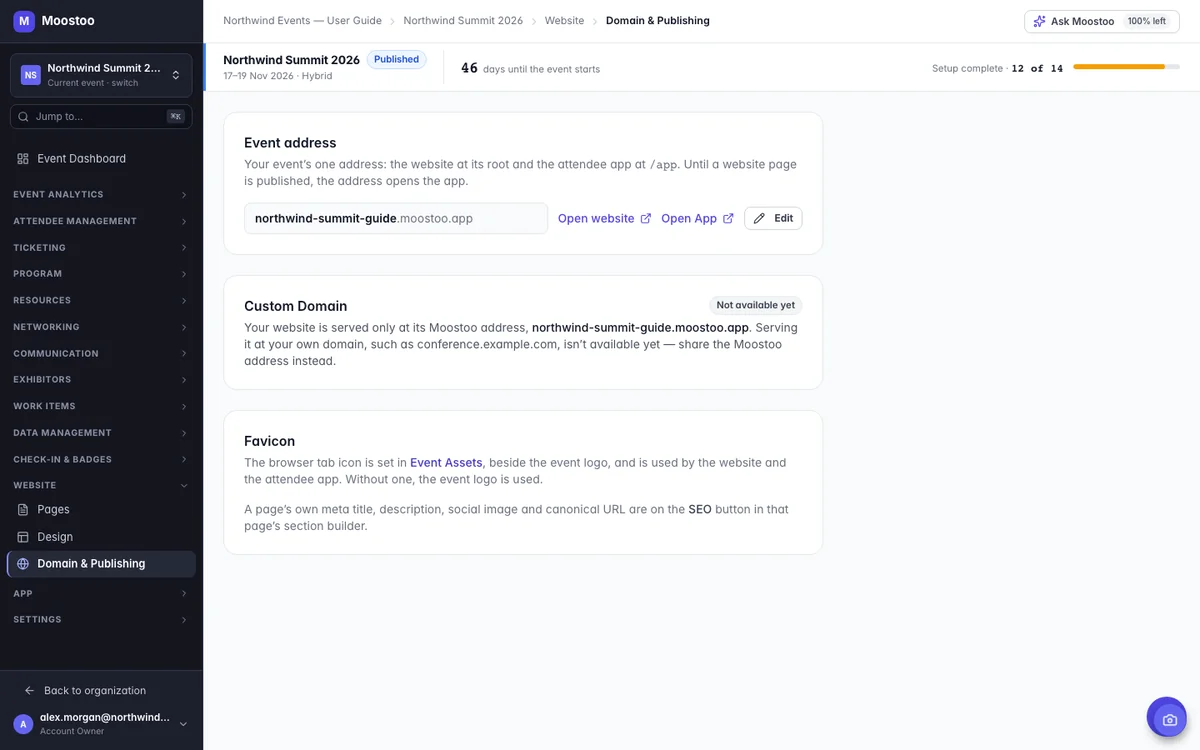
Your event gets one address, like your-event.moostoo.com. The website lives at the address itself and the attendee app sits under /app, so one link works on every poster, badge and email. Until you publish your first page, that link opens the attendee app, which means you can share it from day one.
Build your event website in Moostoo when you want it live quickly and kept current without a developer. Keep your own website when you need your own domain or a fully custom design today, and send visitors to the Moostoo registration form from it. You can also do a bit of both.
| Aspect | Moostoo Website | Your Own Website |
|---|---|---|
| Who keeps speakers, schedule and sponsors up to date | Moostoo, from your event records | Your team, by hand or by your developer |
| Ticket prices on the site | Pulled from your ticketing | Typed in and kept in sync by you |
| Design freedom | Your theme across 20 section types, with layout options | Anything your designer can build |
| Web address | your-event.moostoo.com (custom domains not available yet) | Your own domain |
| Registration | Built-in Registration section that leads to the attendee app | Link to or embed the Moostoo registration form |
| Who does the work | Your event team, no developer needed | Often a web developer or agency |
Keeping your own site? Every Moostoo registration form has a direct link and an embed code, so you can place it on any page. See how registration works →
The website builder comes with every plan that runs your full event. It isn't part of Moostoo Tickets, which is built for ticket sales and the door.
The website builder with all eight templates, site-wide design, page SEO and your event address, alongside the attendee app, program, AI matchmaking and exhibitors.
Everything in Event App, plus white-label branding for your website and app. Your own team does the branding in the website builder and the App Designer, with no design project to buy.
Selling tickets with Moostoo Tickets and happy with your current website? Link or embed the registration form from your own site. Compare the plans or see how Moostoo runs in-person events.
Running the same event again? When you clone an event, tick Website & app configuration and your website and app setup come along to the new event. You update the words that changed instead of rebuilding the site.
Pick Canada (Montréal) or the EU (Frankfurt) when you set up your organization. Your events and everything in them, the website included, stay in that region along with the AI features and backups. That's one clear answer for your legal team.
Five steps from template to live site. Your event data does most of the filling in.
Open Website, browse the eight templates previewed with your own event, and click Use this template.
On Design, choose your colors, fonts and header, and add a button like Buy ticket.
Open each page in the section builder, swap in your words and choose which speakers, sessions and sponsors to show.
Give every page a meta title, description and social image, and check the previews.
Check desktop, tablet and phone, walk through the full preview, then publish. Your site is live within about a minute.
An event website builder is a tool for creating the public website of a conference, expo or other event without coding. In Moostoo, the builder is connected to the rest of your event, so speakers, the schedule, sponsors, hotels and ticket prices on the site come from the same records you use to run the event.
No. You start from a designed template, change the words in the section builder and set your colors and fonts on one Design screen. The layout, phone version and heading structure are handled for you.
Yes. Sections that show speakers, sessions, sponsors, exhibitors or hotels by filter pick up new records automatically, and anything you delete disappears from the site. Ticket prices in the Registration section always match your ticketing.
Not yet. Your website is served at your event address on Moostoo, such as your-event.moostoo.com, which is also where your attendee app lives. If you need your own domain today, keep your current site and link or embed the Moostoo registration form from it.
Yes. Every section adapts to phones and tablets on its own, and the header turns into a menu button on small screens. You can preview desktop, tablet and phone widths in the builder before publishing.
Yes. Each page has its own meta title, meta description, social image, canonical address and an option to keep it out of search engines, with a live preview of the search result and social card.
Nothing from the website. Until your first page is published, your event address opens the attendee app instead, so you can share the link right away and launch the website whenever it's ready.
Event App, Corporate and Association & Portfolio. White-label website branding comes with Corporate and Association & Portfolio. Moostoo Tickets doesn't include the website builder.
Last updated October 2026. Product details are taken from the Moostoo Admin Guide.