
Sandbox events
Learning Moostoo, training a new colleague, rehearsing a run of show or showing a prospect what their attendees will experience all need a realistic event — and none of them should email a real person. A sandbox event is an ordinary event filled with believable fake attendees, where every email, text message and push notification is captured instead of sent. You get the whole product with no risk.
How it works
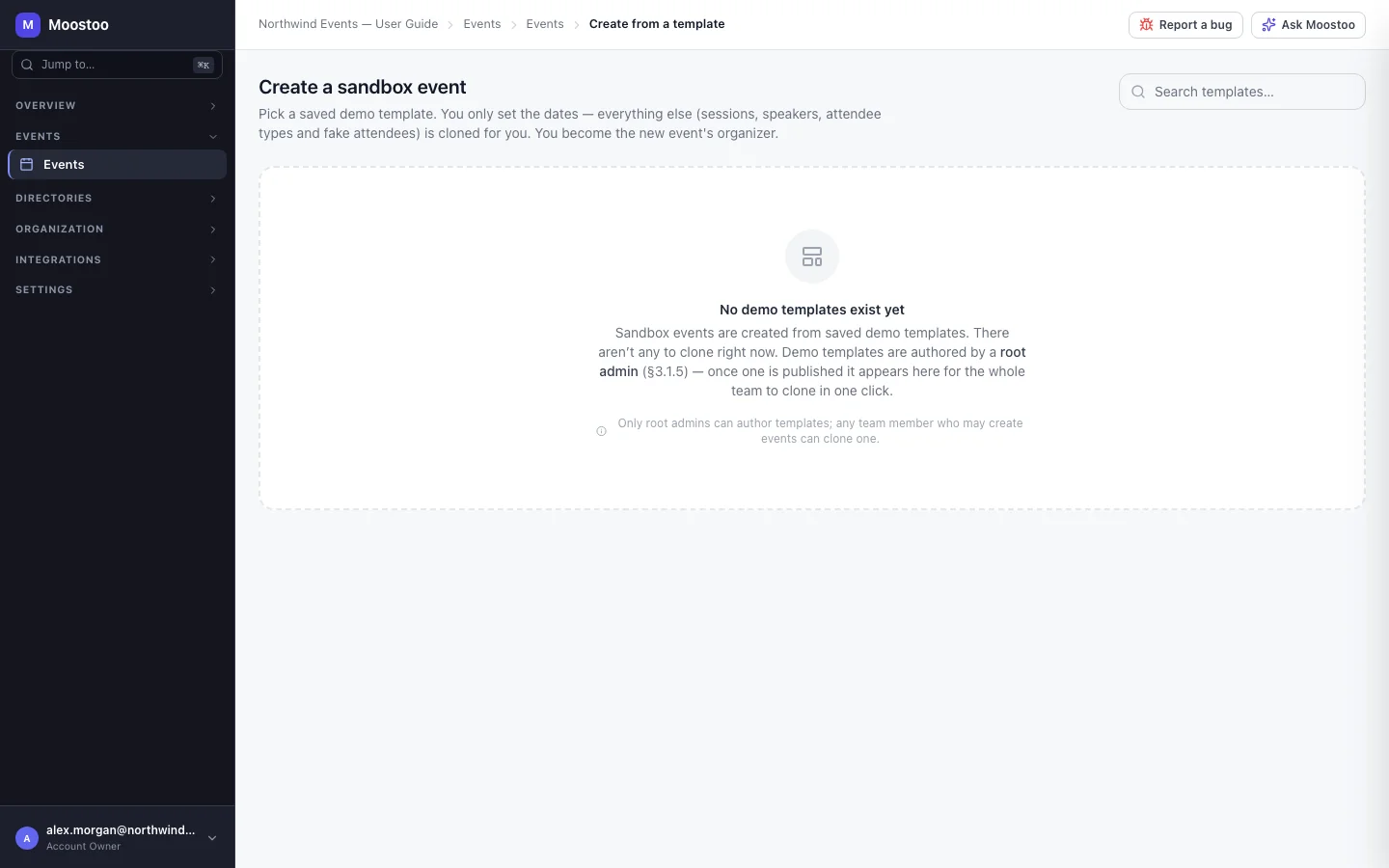
Events → New from template lists the demo templates Moostoo maintains. Each card shows how many days the event runs and how many fake attendees, sessions, speakers and attendee types it brings. You choose the template, the name and the dates; everything else is copied for you, and you become the new event's organizer.
Sandbox event An ordinary event marked Sandbox on your events list, so it is never confused with a real one. Every screen works as usual — programme, networking, check-in, badges, analytics.
Fake attendees Real-looking people with complete profiles, photos and matchmaking data, whose addresses end in @fake.…. They cannot sign in; they fill the event's roster, directory, matchmaking and analytics so every screen has something real to show.
Captured communications Anything that would email, text or push a sandbox attendee — invitations, meeting requests, announcements, campaigns, automated emails — is captured instead of being delivered. Nothing leaves Moostoo, whatever your email settings.
Dates only The template decides the content; you decide when. Sessions land on the same day of your event as they did in the template.
Step by step
Open Events and click New from template.
Search or browse the templates and click Use template on the one you want.
Rename the event if you like — the name is prefilled from the template — and set the Start date, End date and Timezone.
Nothing is created until the dates are valid.
Click Create sandbox event.
Moostoo builds the event, its programme and every fake attendee. If anything fails, the whole operation is rolled back — no half-built event is left behind.
Click Open event dashboard to start exploring, or Create another sandbox.
What attendees see
No real attendee is affected — a sandbox event has only fake attendees, and nothing it would send reaches an inbox, a phone or a device.
Tips
- Demo the whole loop: arrange a meeting or post an announcement in the admin app, then open the sandbox in the attendee app — you are a participant of the event you created — and show it there.
- Real people you add to a sandbox event yourself are still in a sandbox: their messages are captured too.
- A sandbox is a normal event in every other respect — delete it from the events list when you are done.
- If a template has been retired while you were choosing it, Moostoo says so; sandboxes already created from it are unaffected.