

From registration to the post-event report, without a separate login for each.
In-person, virtual and hybrid events run on the same platform.
Eventbrite, Swoogo, Tito and Lu.ma sync into Moostoo as tickets sell.
Canada or the EU, picked once, with AI processing kept in the same region.
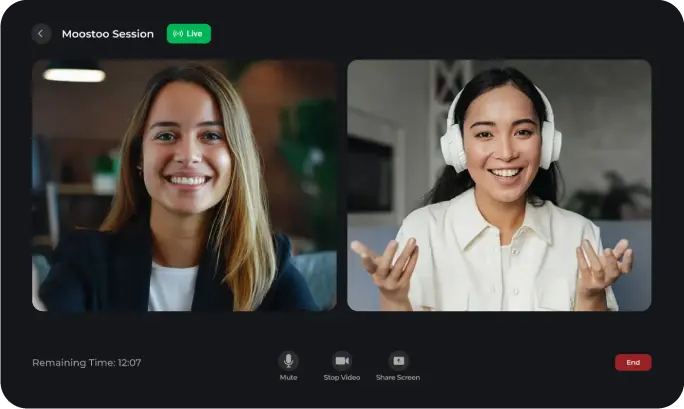
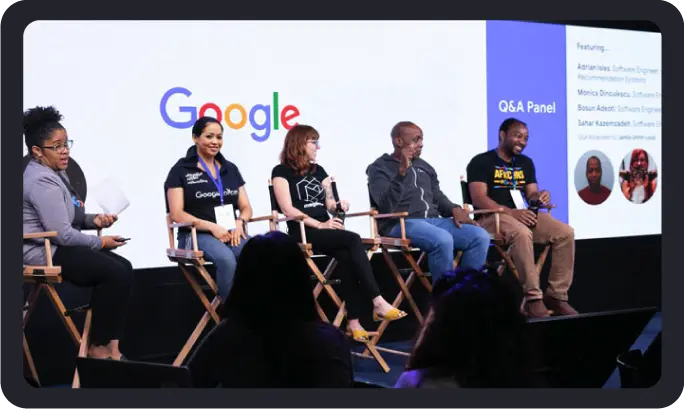
In-Person, Virtual or Hybrid: Any Kind of Event on One Platform
You set up the program, the attendee list and the networking rules once. What changes between formats is mostly where people meet: at a table, in a video room, or both.


Everything Your Event Needs, in One Admin App
Registration & Ticketing
Event App
AI Matchmaking & Meetings
Event Check-in
Badge Printing
Exhibitors & Sponsors
Lead Retrieval
Agenda & Speakers
Event Website Builder
Email & Communications
Event Analytics
Integrations
What Running Your Event on Moostoo Looks Like
Networking That Ends in a Booked Meeting
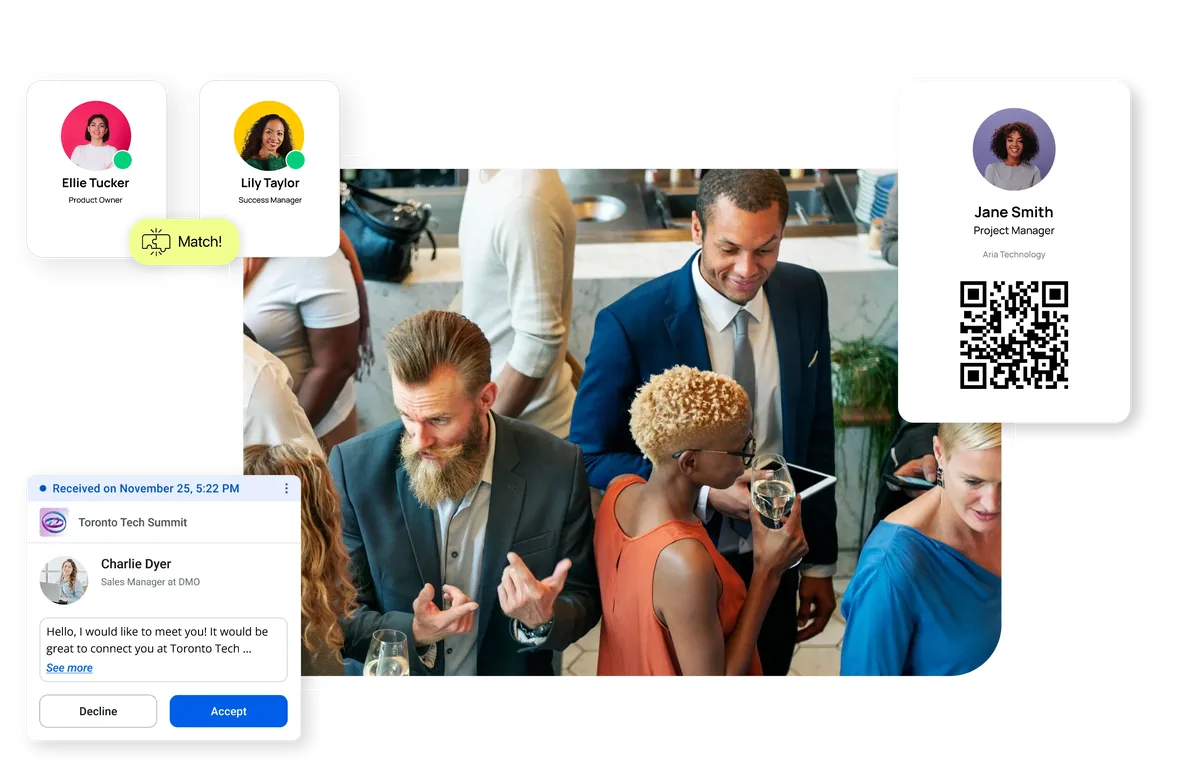
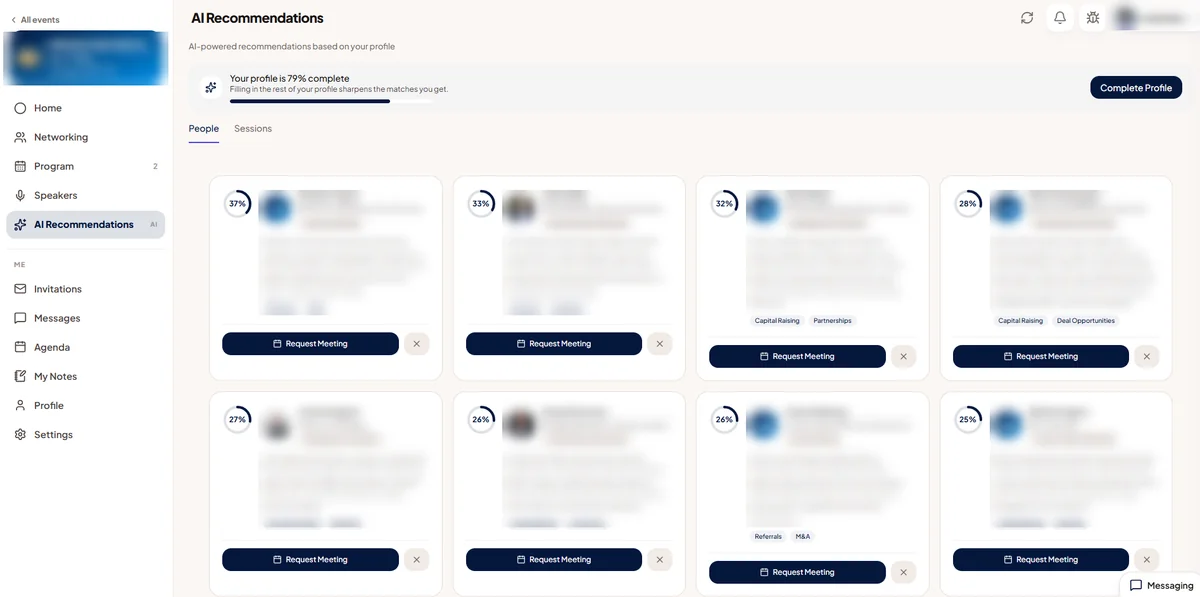
Moostoo's AI reads what each attendee offers and what they're looking for, then suggests people, sessions and exhibitor booths worth their time, each with a short reason. Two people offering the same thing aren't paired, and colleagues never are. When a match looks right, the attendee requests a meeting on the spot, and it lands in a meeting session you opened: at a numbered table, at a booth or in a video room.
- A match scoring 50 or higher is badged Recommended.
- Your team can pre-arrange meetings for VIPs, sponsors and hosted buyers.
- Each side can bring up to three guests to a meeting.
A Faster Door on Event Day
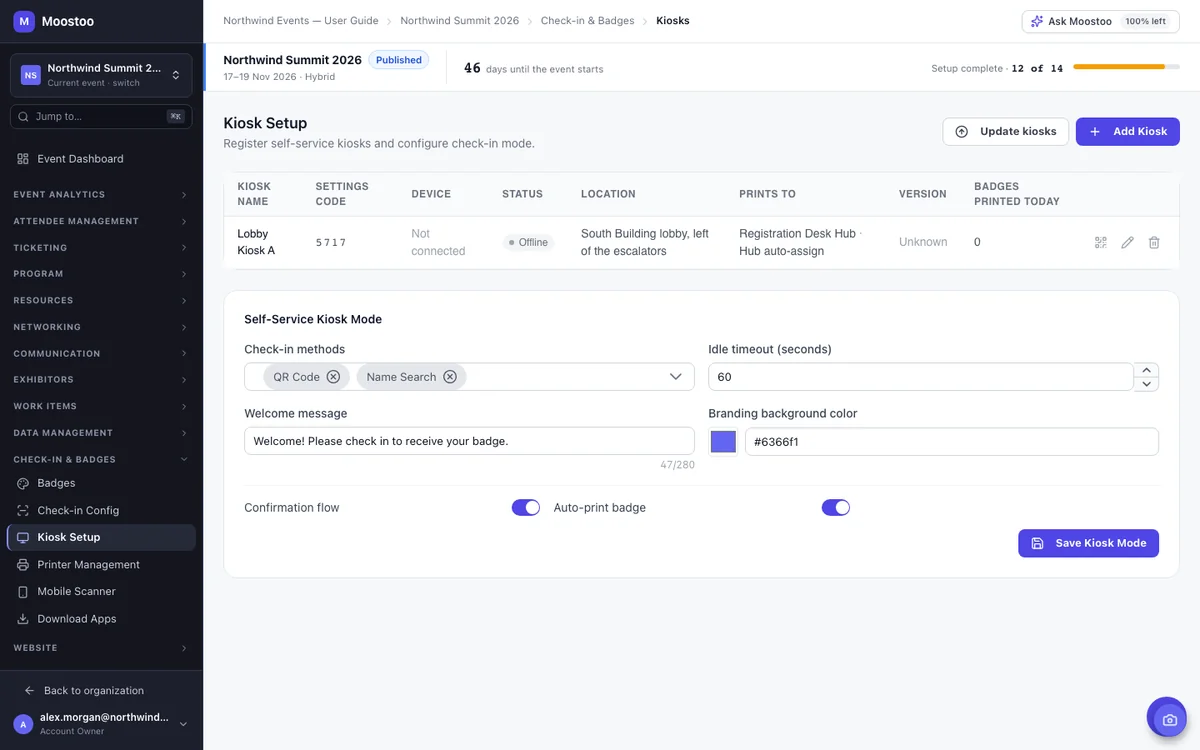
Attendees arrive with a QR code in the app. Staff scan it on any phone, or attendees check themselves in at a kiosk, see their badge on screen and pick it up from the printer. Print hubs send each badge to the right printer, and session scanners record who walked into which room, which is what makes CME or CPD credits possible.
- Choose single or multiple entry for each event.
- Kiosks run on a laptop or a locked-down Android tablet.
- Check-ins show up live in the event command center.
Exhibitors Leave With Leads They Can Count
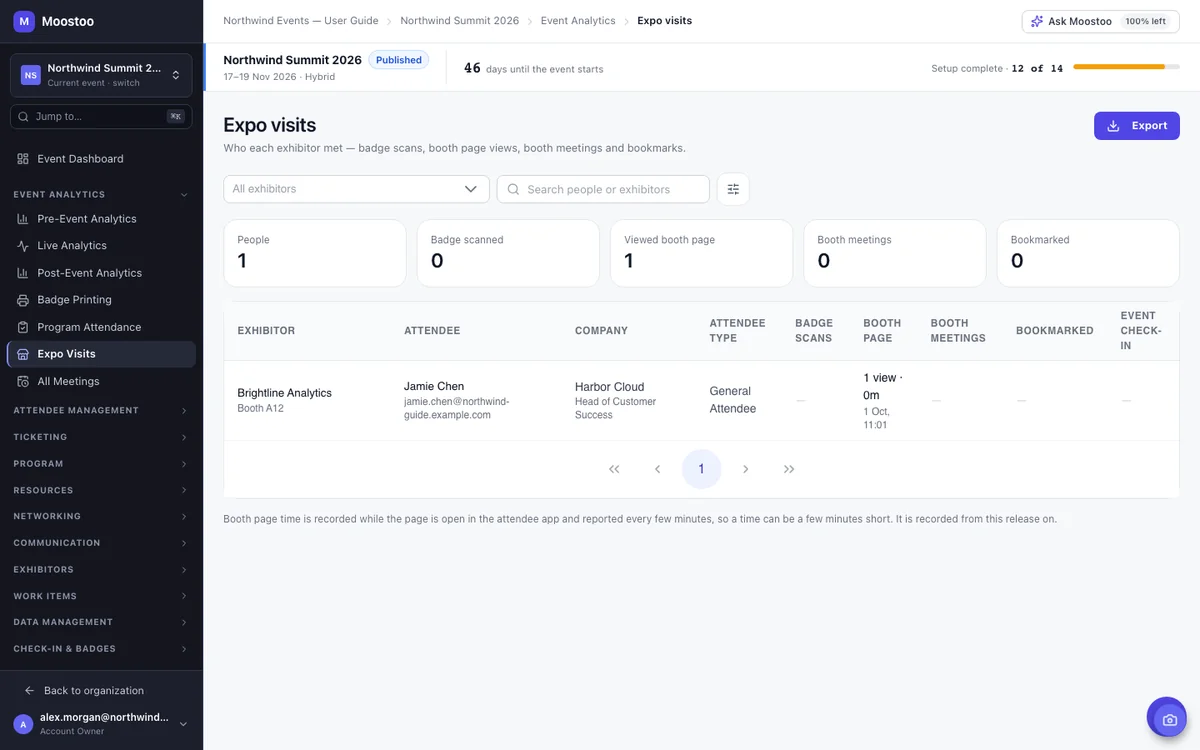
Every exhibitor and sponsor gets a booth page they write themselves, a booth team and meeting slots attendees can book. Their reps scan badges from the same app attendees use, and the Expo Visits report lists every scan, booth page visit and meeting, so the conversation about next year's booth starts with numbers.
- Set each company as Exhibitor, Sponsor or Partner, with a tier.
- A booth's own meeting slots are offered before the general meeting sessions.
- No extra hardware: lead scanning runs in the attendee app.
Numbers for Before, During and After
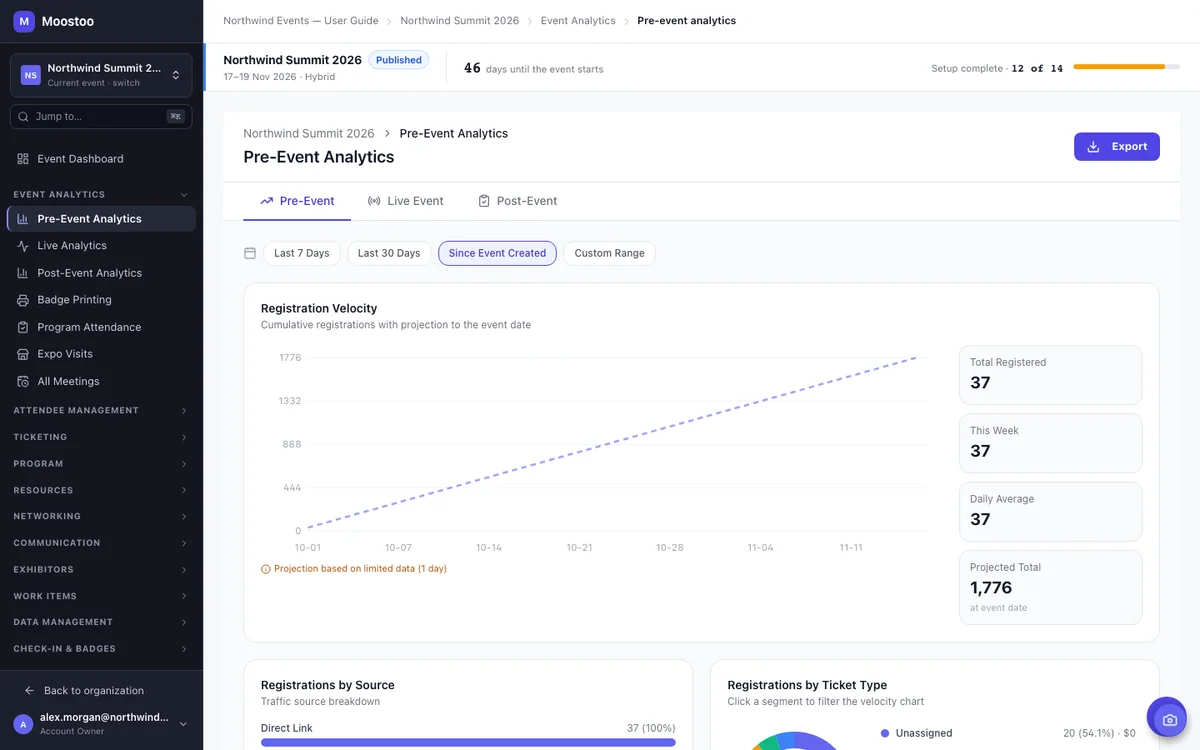
Pre-event analytics show how fast registrations are coming in and where they're heading by event day. On the day, the live command center tracks check-ins and the sessions in progress. Afterward, the post-event report covers attendance, networking and sponsor results and exports as PDF, Excel or CSV for leadership and sponsors.
- Session attendance, and watch time for streamed sessions.
- The post-event report with sponsor ROI comes with Event App and up.
Set Up Faster With Ask Moostoo
Type what you need, for example “add a VIP ticket type limited to 50” or “create twelve meeting tables for this session”, and Ask Moostoo fills in the forms. It shows exactly what it's about to create and waits for your OK before anything changes.
Pair it with a sandbox event to train new colleagues or rehearse the day: it's filled with realistic fake attendees, and every email and push notification is captured instead of sent.
Your Data Stays in Canada or the EU
Pick Canada (Montréal) or the EU (Frankfurt) when you set up your organization. Everything you store or process stays in that region, AI matchmaking and backups included. For an EU organization, an AI feature with no EU-hosted model is switched off rather than sent elsewhere.
That matters to public-sector buyers, associations with European members and anyone whose procurement team asks where attendee data lives.
Keep Your Tools, or Move Everything Over
Moostoo has its own ticketing, email and contact records. You don't have to use them on day one.
Already Selling on Eventbrite?
Connect Eventbrite, Swoogo, Tito or Lu.ma and every ticket holder comes into Moostoo with their attendee type, answers and badge code. The app, matchmaking, badges and check-in all work, while buyers keep buying where they always have. The connection is read-only, so Moostoo never changes anything on the other platform.
Switching Platforms for Good
Platform migration reads your Swoogo, Eventbrite or Brella account and brings over every event it holds, past and upcoming, along with contacts, companies and images. Nobody is emailed, existing Moostoo records are never overwritten, and a migration that stops picks up where it left off.
Four Plans, Split by the Job
Each plan fits a different kind of event rather than a bigger or smaller one. Prices aren't published; a demo gets you a quote for your attendee count and event days.
Moostoo Tickets
Ticket sales, the registration form, badges, entrance check-in and email, for events that mainly need a fast door.
Event App
The full platform: program and speakers, AI matchmaking and meetings, exhibitors, your own attendee app and event website.
Corporate
Everything in Event App for a flagship event, with a white-label app and website that your own team brands.
Association & Portfolio
For many events a year across chapters. Priced by events per year and total attendees, with a dedicated Customer Success Manager.
Every plan includes the API, webhooks, CRM sync and connectors, and your choice of data region. Sell through your own payment gateway and Moostoo takes no fee on ticket sales. Compare the plans.
Frequently Asked Questions
What is Moostoo?
Moostoo is an all-in-one event management and networking platform for in-person, virtual and hybrid events. Organizers run registration and ticketing, the attendee app and event website, AI matchmaking and 1:1 meetings, exhibitors and sponsors, check-in and badge printing, email and analytics from one admin app.
What kinds of events is Moostoo built for?
Conferences, trade shows and expos, summits, association events, B2B matchmaking and hosted-buyer programs, festivals, and virtual or hybrid programs. It's strongest where people come to meet each other: AI matchmaking, meeting sessions, tables, booth meetings and video rooms are all built in.
Can we keep our current ticketing platform?
Yes. Connect Eventbrite, Swoogo, Tito or Lu.ma and ticket holders sync into Moostoo with their attendee type, answers and badge code, so the app, networking, badges and check-in all work. Buyers keep buying on the platform you already use.
Can we move our past events over from another platform?
Yes, from Swoogo, Eventbrite or Brella. Platform migration brings over every event the account holds, past and upcoming, with contacts, companies and images. Nobody is emailed during the move, and existing Moostoo records are never overwritten.
Where is our event data hosted?
In Canada (Montréal) or the EU (Frankfurt), chosen once when your organization is set up. Everything stored or processed stays in that region, including AI matchmaking, Ask Moostoo and backups.
How much does Moostoo cost?
Prices aren't published. There are four plans: Moostoo Tickets and Event App are priced by attendee count and event days, Corporate is a custom quote, and Association & Portfolio is priced by events per year and total attendees. Book a demo for a quote.
What support comes with each plan?
Moostoo Tickets has standard support and Event App has priority support. Corporate adds a named account contact. Association & Portfolio comes with a dedicated Customer Success Manager, onboarding and periodic business reviews.
When is Moostoo not the right fit?
If all you need is to sell tickets to a public event and your ticketing platform already does that well, a full event platform is probably more than you need (Moostoo Tickets covers tickets, badges and check-in on their own). The same goes for a webinar series with no networking, or a small dinner where everyone already knows each other. Moostoo earns its place when people come to meet each other and exhibitors need leads to show for it.