
Vimeo, YouTube, Zoom, or RTMP straight from your production.
Each attendee picks onsite or online, and the event adapts around that choice.
Created automatically when at least one person in the meeting is online.
Rotate up to eight sponsor layers around online meetings, by meeting slot or by time.
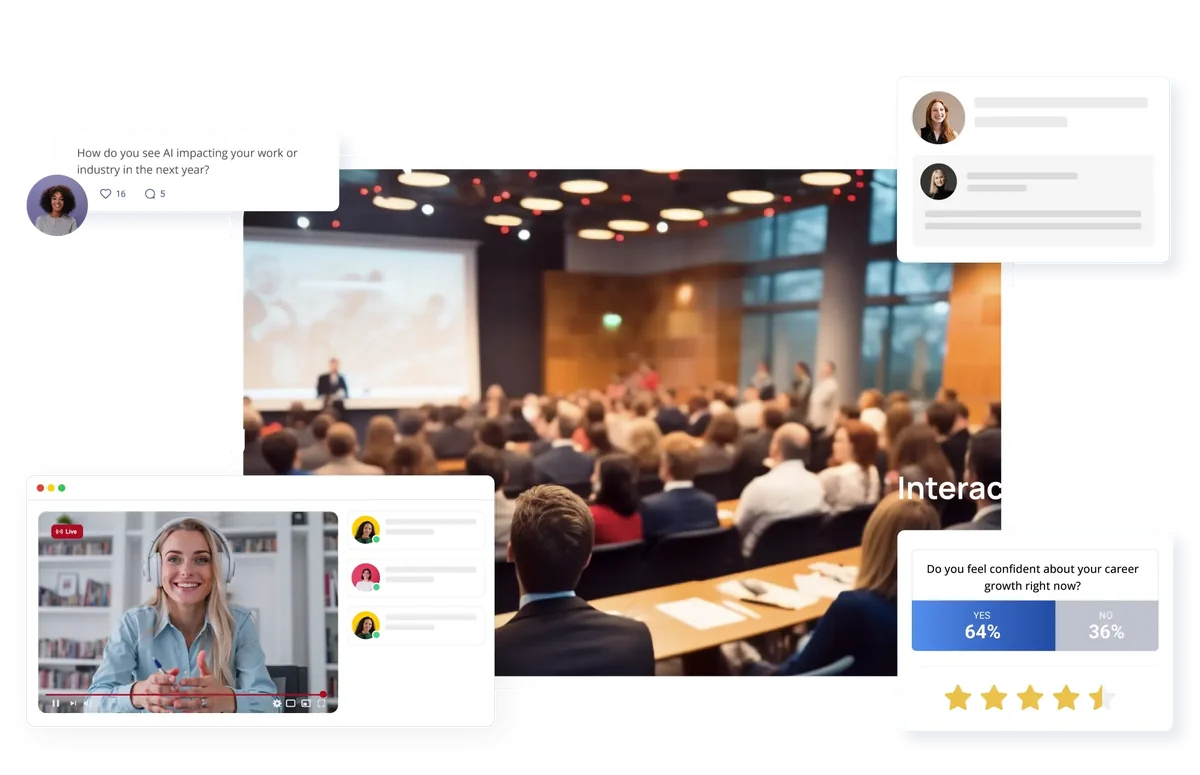
Your main stage, the breakout hall and the workshop room can all stream at the same time. Connect each one to Vimeo, YouTube or Zoom, or send an RTMP feed straight from your production, and remote attendees watch the session from the program in the event app. They move between stages the way people in the building move between rooms, and a streamed session they saved shows up on their Online meetings screen.
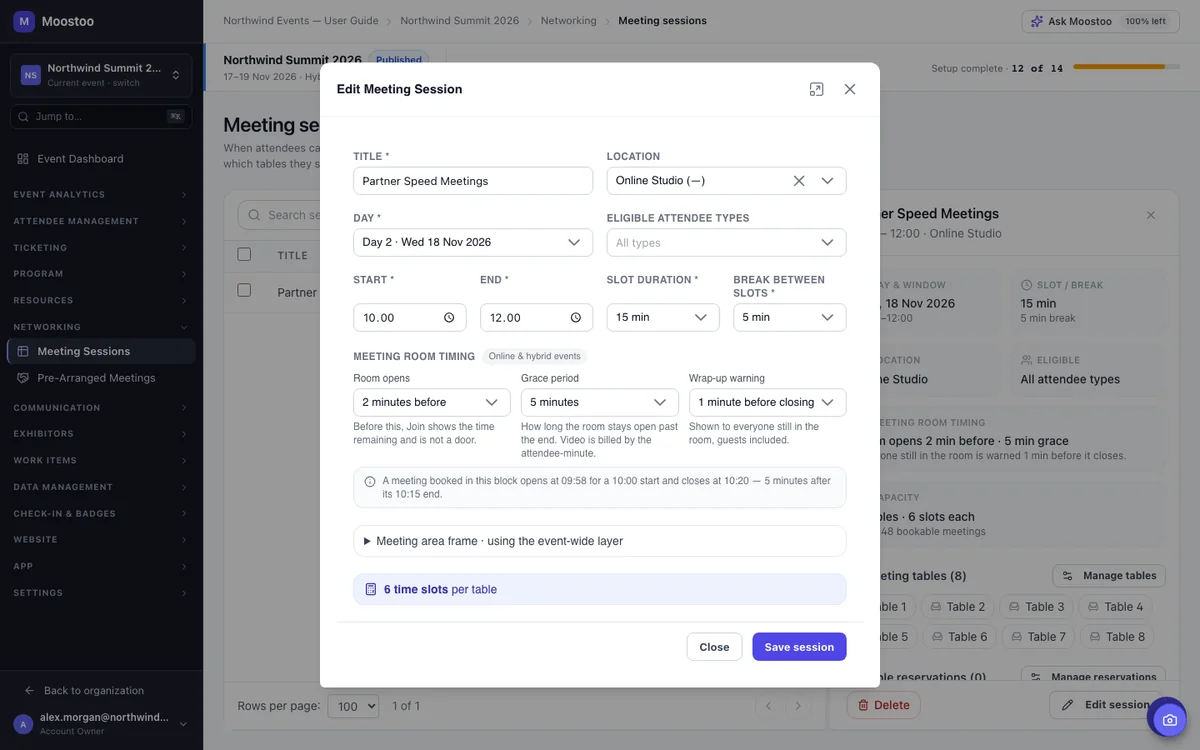
Every attendee chooses whether they're joining onsite or online. AI matchmaking suggests people from both groups, and attendees book meetings with each other exactly as they would at an in-person event. When at least one person in a meeting is online, Moostoo gives that meeting a unique link on its own video conferencing, so nobody swaps Zoom invites by email. When both are in the building, the meeting is seated at a table instead.
Nothing sinks a hybrid networking program faster than a meeting link that won't open on a company laptop. Every Join leads first to a waiting room, open at any time, where attendees test their camera, microphone and speaker and choose a background. The call itself needs a single web domain, so if a company blocks video entirely, its IT team only has to allow that one.
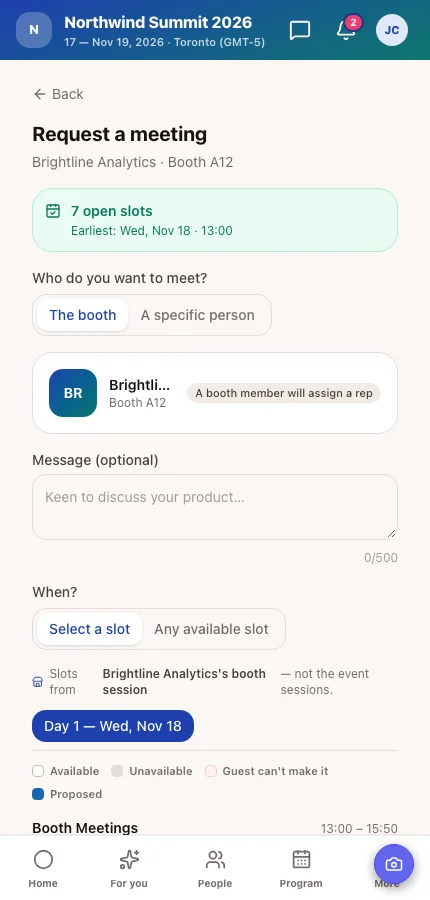
At online and hybrid events, exhibitors' booth meeting sessions get the same video room timing and sponsor frame settings as your own meeting sessions. Around every online meeting you can put a sponsor frame: a frame image, a logo, badge text and a link, drawn behind the video so it never covers a face or the call controls. Add several sponsors and they rotate, one meeting slot each by default.
See exhibitor and sponsor management → See meeting room branding →
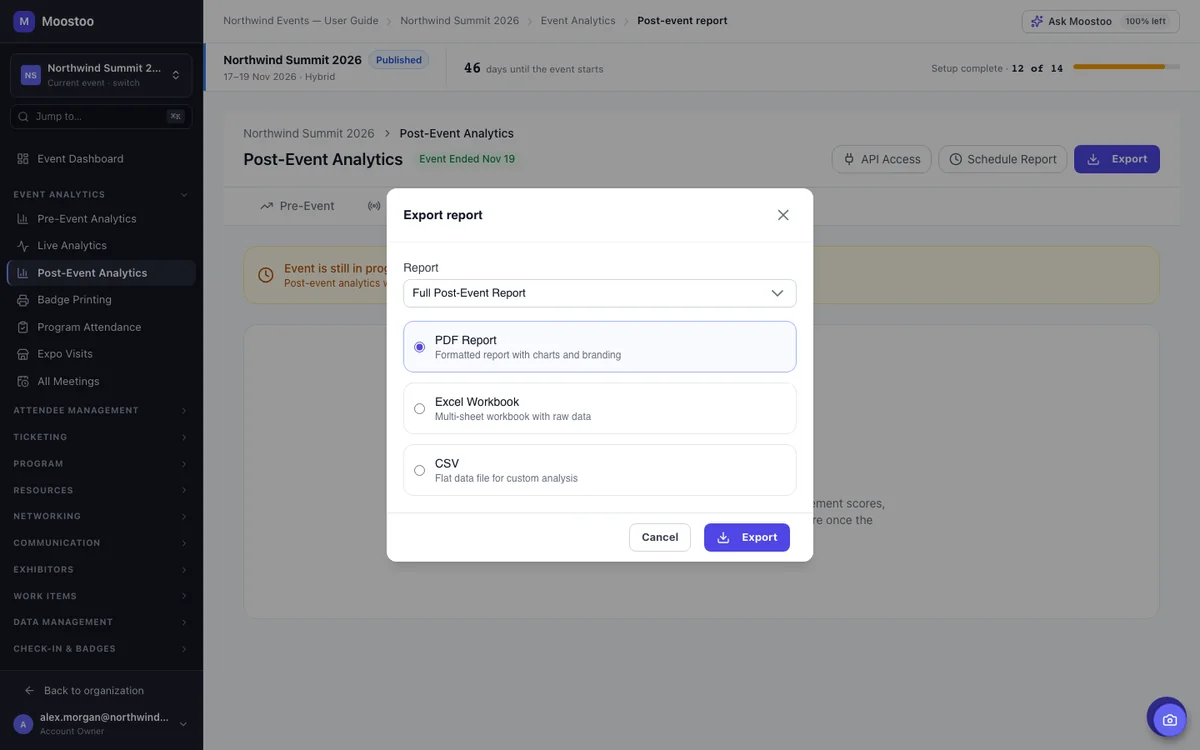
Program Attendance lists, session by session, who saved it to their agenda, who was scanned in at the door and, for hybrid and online events, who watched the stream and for how long. Event check-in has its own column, because coming through the entrance isn't the same as sitting in a talk. Filter by any profile answer and export the lot, or hand leadership the post-event report as PDF, Excel or CSV.
Same event, same list. Here's where the experience differs.
| Part of the event | Onsite | Online |
|---|---|---|
| Getting in | QR check-in at the door or a kiosk, badge printed on site | Sign in to the event app in a browser or the iOS or Android app |
| Sessions | Sit in the room; a session scan records attendance | Watch any streamed stage live; watch time is recorded |
| 1:1 meetings | At a table, or on video when the other person is online | Always on video, through the meeting's own link |
| Finding people | The same directory and AI matchmaking for everyone, within your experience rules | |
| Sponsors | Booths, booth meetings and lead scanning | Booth pages, booth meetings, sponsor frames on video |
| Announcements and polls | Pushed to the same app, for everyone or a targeted group | |
| The clock | The venue's time zone, for online attendees too | |
That last row catches people out. A hybrid event shows times on the venue's clock, so say the time zone in your invitations to online attendees.
Hybrid needs a program, so it lives on the full platform.
Ticket sales, badges, entrance check-in and email for the building. There's no program on this plan, so streamed sessions, matchmaking and video meeting rooms aren't part of it.
Everything on this page: the program with streamed sessions, AI matchmaking with tables and video rooms, meeting room branding, exhibitors, your own event app and website, and attendance for both audiences.
Compare the plans. Fully onsite? See in-person events. Fully online? See virtual events.
A sandbox event is filled with realistic fake attendees and runs like any other event, so you can walk your team through the program, check-in and badges before the day. Every email, text and push notification is captured instead of sent, so no real attendee gets a test message.
Pick Canada (Montréal) or the EU (Frankfurt) when you set up your organization. Registrations, check-ins, watch time and everything else you store or process stay in that region, AI matchmaking and backups included.
Six steps from an empty event to both doors open.
In event settings, choose Hybrid and set the time zone to the venue's. That turns on both the onsite and the online features.
Each attendee picks how they're joining. If the two groups need different tickets, session access or badges, back that with attendee types too.
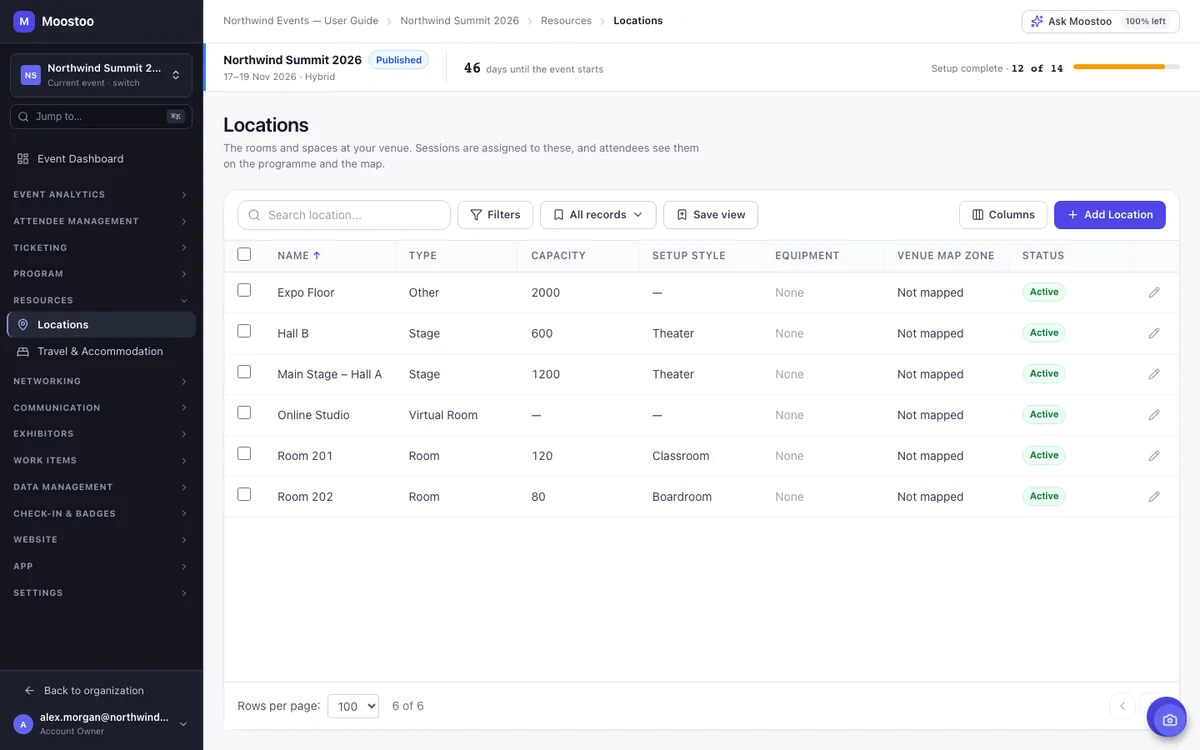
List the stages and rooms with their capacities, so the program, the venue map and the streams all point at the same places.
Add sessions, then connect each streamed stage to Vimeo, YouTube or Zoom, or to the RTMP feed from your production.
Open the windows when people can meet and add tables for the building. Meetings with someone online get their video link automatically; set the room timing and sponsor frames.
Design badges, set up check-in and kiosks, rehearse in a sandbox and work through the go-live checklist.
A hybrid event has an audience in the room and an audience online at the same time, following one program. Onsite attendees come through the door and sit in the sessions; online attendees watch the stages as a live stream and take part online, including meetings with each other and with people at the venue.
Software that runs both audiences as one event. The two parts that matter most are streaming the stages to online attendees and letting onsite and online people meet. Around those sit registration, the program, onsite check-in and badges, and attendance reporting for both groups.
Yes. Stages can stream in parallel, each from its own source, so online attendees choose between the main stage and a breakout just like the people in the building do.
Vimeo, YouTube and Zoom, or an RTMP feed straight from your production. Your AV team or production company produces the stream, and Moostoo shows it inside the session in the event app.
Each attendee chooses whether they're onsite or online, and they book meetings with each other as usual. If at least one person in the meeting is online, Moostoo creates a unique link for it on its own video conferencing; the onsite person joins from their laptop or phone browser. Two onsite attendees meet at a table.
No. One-to-one meetings run on Moostoo's own video conferencing, in the browser: in their own tab on a computer and in the mobile browser on a phone. The event app itself opens in any browser, or in the Moostoo app for iOS and Android.
The venue's. At a hybrid event times stay on the event's clock for everyone, so pick the venue's time zone and mention it in invitations to online attendees.
Watch time is recorded per person and session and can be exported, which is useful evidence. Credits themselves are recorded today from staff badge scans at the session door, so plan online credits with that in mind.
Maybe not. If your online audience only watches the talks and never meets anyone, a webinar tool next to your onsite setup may be enough. Moostoo pays off when online attendees should network, book meetings and visit sponsors like the people in the room.
Last updated October 2026. Product details are taken from the Moostoo Admin Guide.