
Work item types
A work item type is a service you are prepared to deliver — Extra microphone, Scanning device, USB-C cable, Stand cleaning — with a price if it is charged. Keeping a catalog means every provider charges the same amount for the same thing, attendees are never surprised by a fee, and your reports group work by what was actually done.
How it works
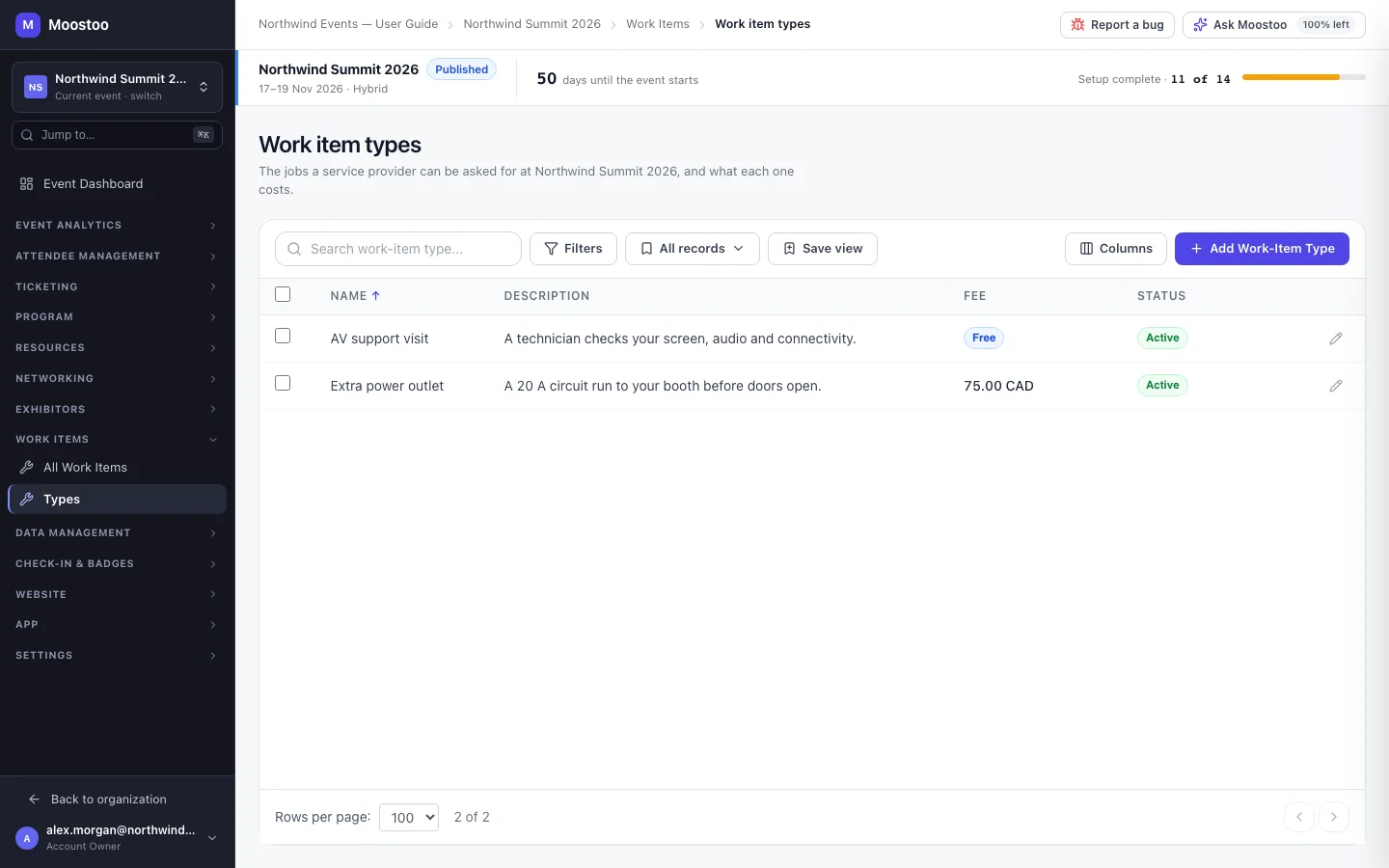
Open Work Items → Types. The table lists each type's name, description, fee (an amount and currency, or Free) and status. Clicking a row opens its details for editing.
Free type Leave This service has a charge off. A work item of this type needs no approval and no payment; the provider can mark it delivered straight away.
Charged type Turn the charge on and enter a fee above zero and a currency. A work item of this type waits for the attendee who asked to approve it and pay by card or ask for an invoice.
Active / Inactive An inactive type is no longer offered when providers create work items, but every work item already made from it is kept as it was.
Edits never rewrite history
Each work item keeps the name and fee it was created with. Changing a type's price today does not change what an attendee approved yesterday.
- A type in use cannot be deleted. Deactivate it instead; delete only types no work item was ever created from.
- Service providers see the active catalog in their tools but cannot add, edit or deactivate types.
Step by step
Open Work Items → Types and click Add Type.
Enter a Name such as Extra microphone and, optionally, a Description that tells providers and attendees what is included.
For a paid service, turn on This service has a charge and enter the fee and currency.
Click Create Type.
To retire a type, open it, switch it to Inactive and click Save Changes.
What attendees see
In the attendee app
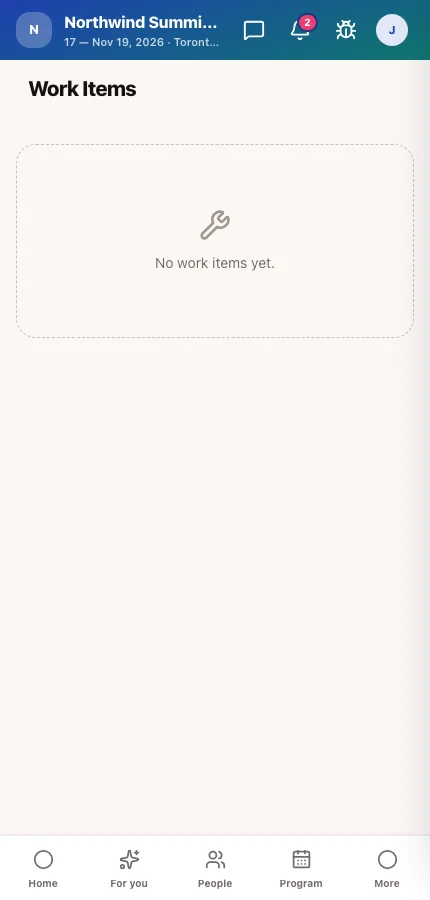
Attendees never browse the catalog; they meet a type through a work item a provider creates for them, which carries the type's name and fee. For a charged type they see the fee before they approve it.
Tips
- Name types the way an attendee would ask for them — providers pick from this list while chatting.
- Create free types for courtesy services too; tracking them tells you after the event what your team spent its time on.
- Set the currency to the one your event is paid in, so a card payment goes through the same payment account as your tickets.