
What is different in the console
If your organization sells tickets and runs the doors — but builds its programme, website and networking elsewhere — the full product is mostly screens you will never open. The console removes them, so what is left reads as a ticketing and check-in tool. Because it is the same app underneath, everything in the rest of this guide about the screens you do have applies to you unchanged.
Same app, fewer screens
The console is not a separate product. It is Moostoo with a fixed list of features switched on for your organization. Screens look and behave exactly as described elsewhere in this guide; there is no "console version" of any screen.
| Area | In the console | Not in the console |
|---|---|---|
| Organization | Dashboard, Events, Contact Directory, Profile, Team, Master Question Pool, Media Library, Platform Migration, Billing & Subscription, Auth & Security | Organization analytics, Company and Speaker directories, CRM Sync, creating events from templates |
| Attendees | Attendee Types, Ticket holders, Question Pool, Import/Export | Applications, Experience Rules, Connectors |
| Selling | Ticketing (ticket types, orders, tickets, promo codes, dashboard, sales sources, embed widget, settings — or, for an imported platform, its import, mapping and import history) and the Registration Form | — |
| Event day | Every Check-in & Badges screen: badges, check-in configuration, kiosks, printers, mobile scanner, app downloads | Session check-in (there is no programme) |
| Reporting | Pre-Event Analytics, Live Analytics, Badge Printing | Post-Event Analytics |
| Settings | Event Settings, Event Assets, Event Team, Communications, Privacy & Legal | Messages, Communication Oversight, Venue |
| Everything else | — | Programme and speakers, locations, travel & accommodation, networking and meetings, exhibitors, work items, the event website, the attendee app designer with its domain and sign-in settings, the profile form, and Ask Moostoo |
The sidebar keeps its shape
Your sidebar is the full one with the missing items taken out — the same group names in the same order. A group with nothing left in it simply is not shown. If your organization later moves to full management, the screens you use stay exactly where they are.
Ticket holders
The attendee list is called Ticket holders in the console — in the sidebar, the breadcrumb and the page title. It is the same list, with the same columns, filters, detail panel and actions as the attendee directory. Attendee type and ticket type remain two separate things: the ticket is what someone bought; the attendee type is what they are.
Creating an event is one page
- The console's Create event asks only for the name, dates, timezone, visibility and branding.
- The event is created on-site, with no attendee types pre-created; the page says so, and both can be changed in Event Settings.
- A description is optional and can be added later in Event Settings. A cloned event keeps its source's type, format and description.
- A new console event opens on Where does your attendee data come from? — see Attendee data source.
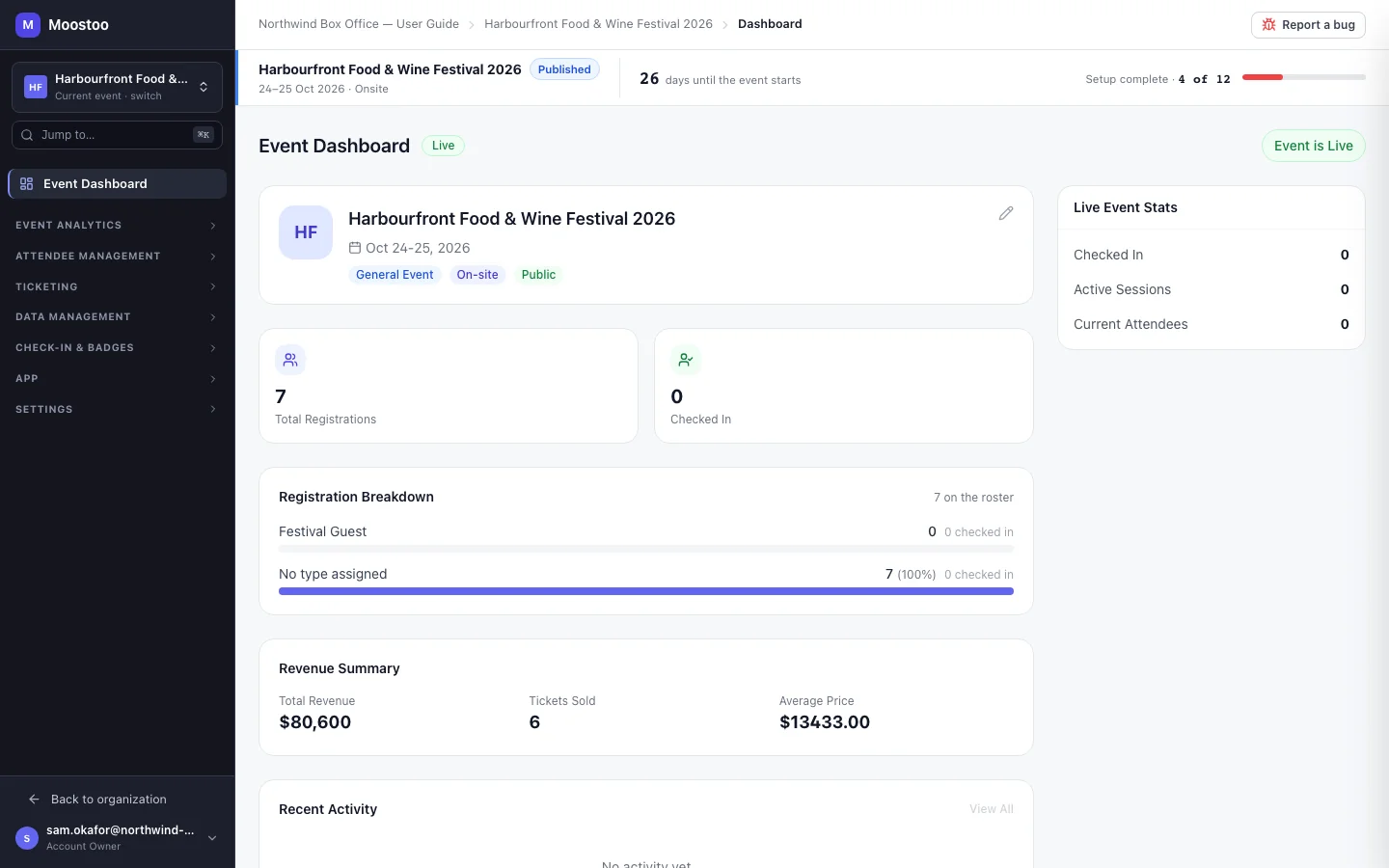
Its own address, the same accounts
The console can be opened at its own address, where the sign-in screen and header read Moostoo Tickets. The address only brands the screens — it grants and removes nothing. Your team signs in with the same accounts either way, and a full-management customer signing in there still gets the full product.
A screen that is not in your edition
Following an old link to a screen outside the console shows "This screen is not part of your Moostoo" with a way back. Nothing you configured is lost; if your organization moves to full management, everything appears as you left it.
Your attendees get the same app
Ticket holders use the same attendee app as any Moostoo event — their badge, their ticket details and the purchaser's order page all work. It simply has no programme or networking to show.
Read next