
Promo codes
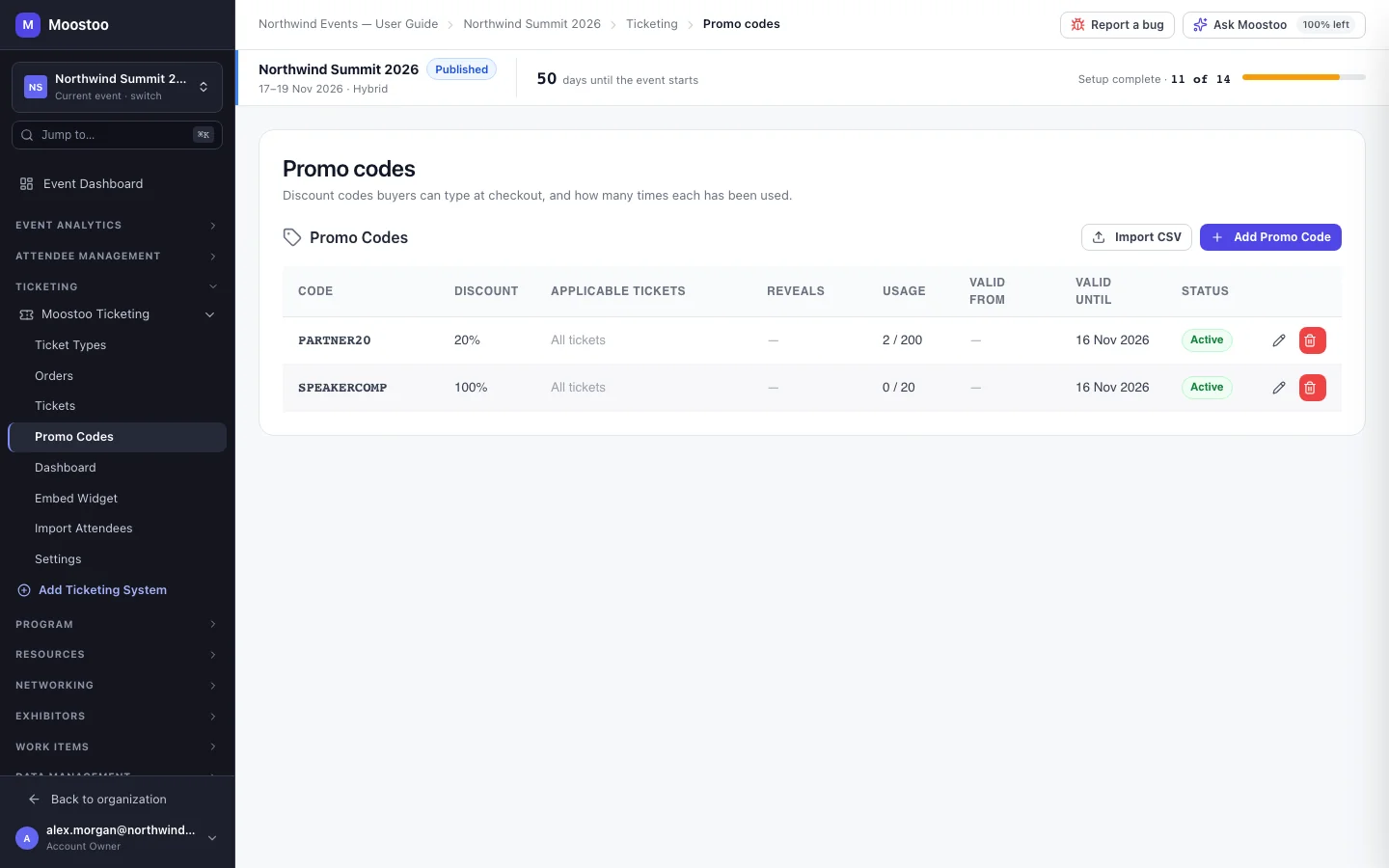
Promo codes let you reward a group without changing your public prices: a sponsor's clients, a partner newsletter, last year's attendees, your own speakers. Because each code counts its uses, they also tell you which channel actually sold tickets. A code can do more than discount — it can reveal an unlisted ticket type that only its holders may buy.
How it works
Code Letters, numbers, hyphens and underscores, up to 50 characters, case-insensitive — SUMMIT20 and summit20 are the same code. The generate button beside the field makes one up for you.
Discount A Percentage (1–100%) or a Fixed amount off, typed in the currency's normal units.
Applicable Ticket Types Which ticket types the discount applies to. Leave it empty and the code applies to all tickets.
Reveal Unlisted Tickets Unlisted ticket types that become visible and purchasable to someone who enters this code.
Usage Limit How many times the code can be used in total. Empty means unlimited. The Usage column shows used / limit.
Valid From / Valid Until The dates the code works between, shown on the event's clock. Outside them — or once its usage limit is reached, or when the code is inactive — the code simply gives no discount.
Internal Description A note for your team only — buyers never see it.
The discount is applied to the order when it is placed, and the order keeps the reduced price; later changes to the code do not reprice orders already made. The Status column shows whether a code is Active.
Step by step
Create a code
Open Ticketing → (your Moostoo system) → Promo Codes and click Add Promo Code.
Type a code or generate one.
Choose Percentage or Fixed and enter the discount.
Optionally restrict it to some ticket types, pick unlisted ticket types it reveals, set a usage limit and validity dates, and add an internal note.
Click Create.
Import many codes at once
Click Import CSV.
Paste rows with a header row: code,discountType,discountValue,usageLimit,validFrom,validUntil,internalDescription.
discountType is percentage or fixed; a fixed value is in cents. Codes that already exist are skipped.
Click Import.
What attendees see
In the attendee app
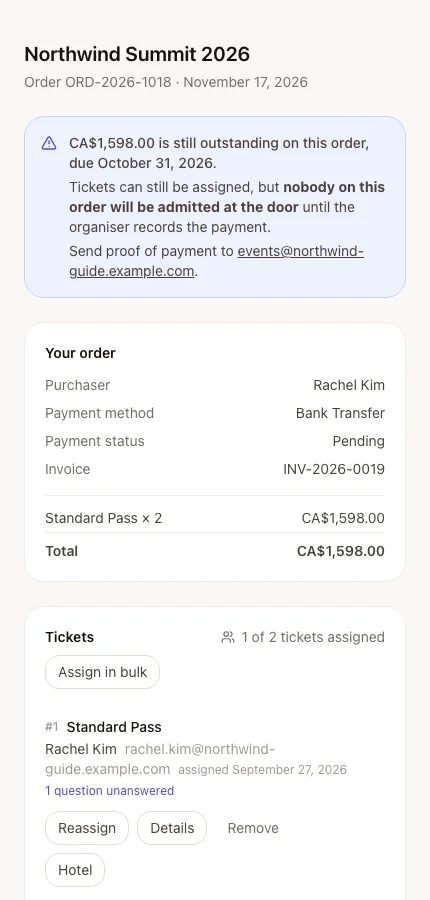
When a purchase uses a code, the discount appears as its own line on the order, which the purchaser can see at any time in their order console. Note that the attendee app's registration form has no promo-code field in the current release, so a registrant cannot enter a code there.
Tips
- Give each partner their own code — the usage count becomes your attribution report. For link-based tracking use sales sources.
- To give one person a free pass, use Add Complimentary Pass on Orders rather than a 100% code — it creates the order and emails them directly.
- Deleting a code does not change orders already placed with it.
Ask Moostoo
Create a promo code EARLYCX for 15% off the Standard Pass, valid until October 1, limited to 100 uses.
Make a code BRIGHTLINE50 worth 50 off any ticket, for Brightline Analytics' guests.
A fixed amount is given in the ticket's currency.